Microscope image analysis
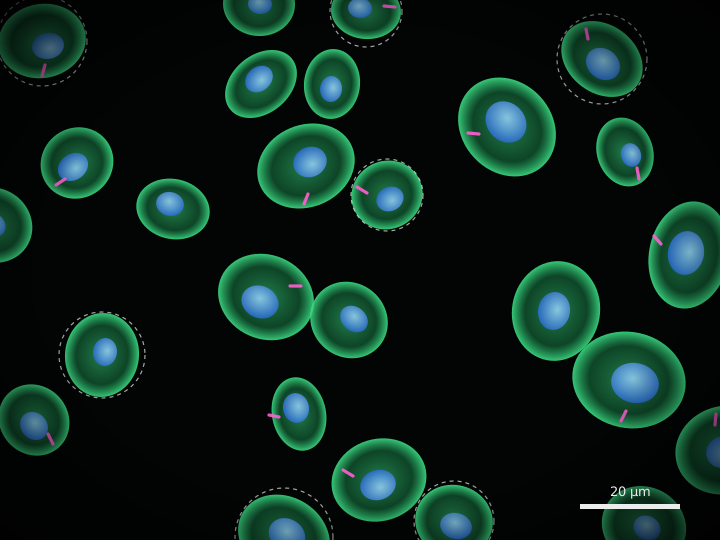
Upload a folder of fluorescence images, tune the analysis on a few of them, then run the whole experiment with those settings. CellSpy finds the cells, measures them and gives you the numbers as spreadsheets you can open and the images you can zoom into.
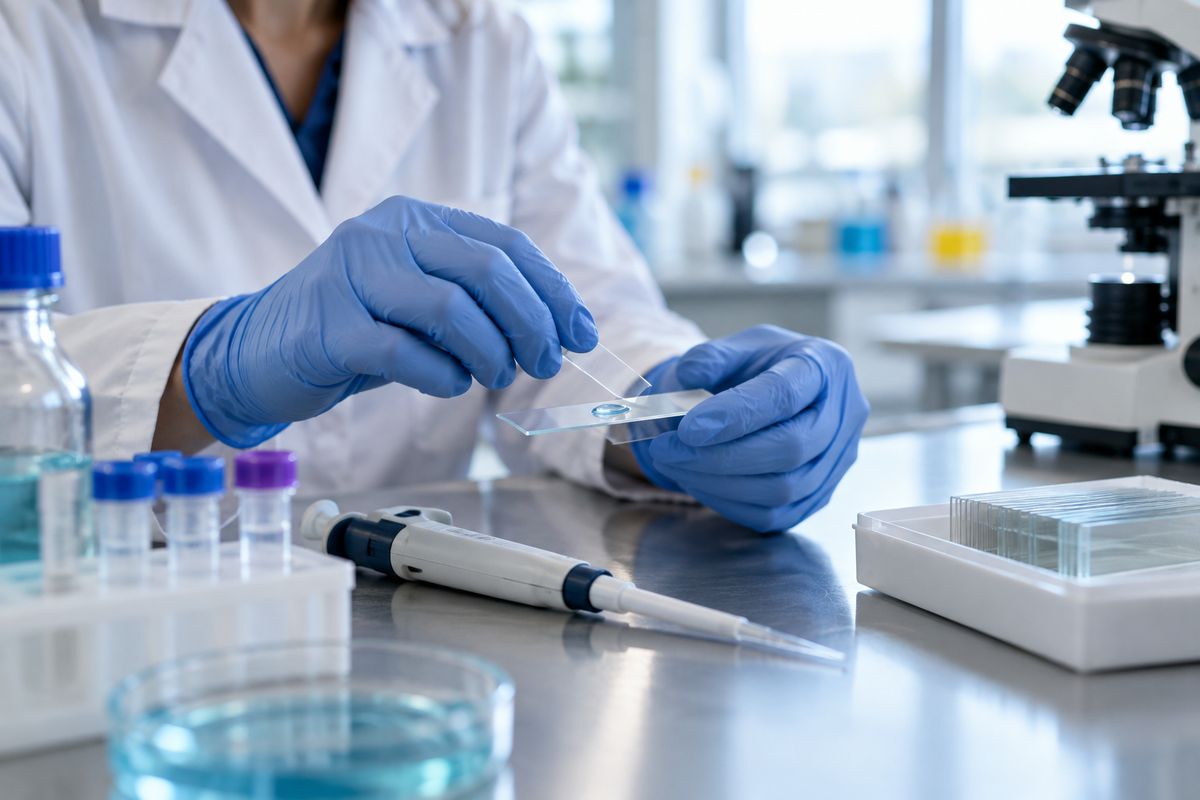
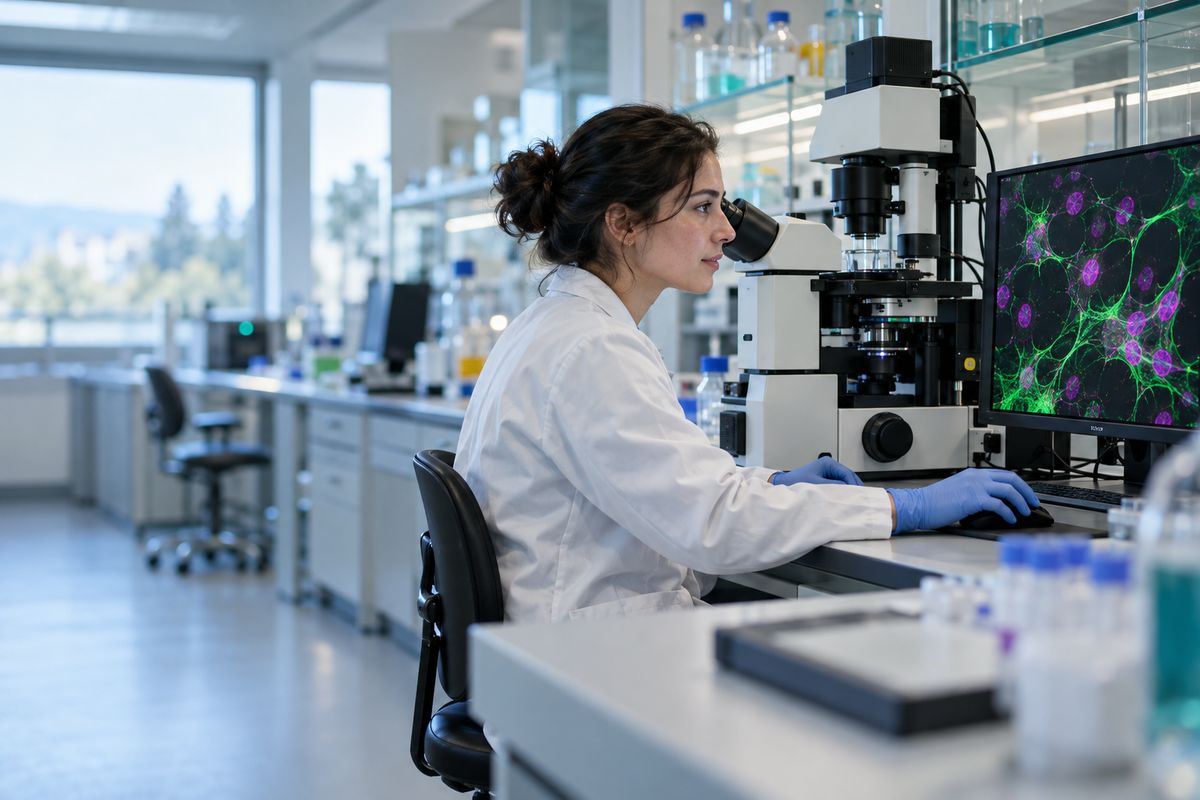
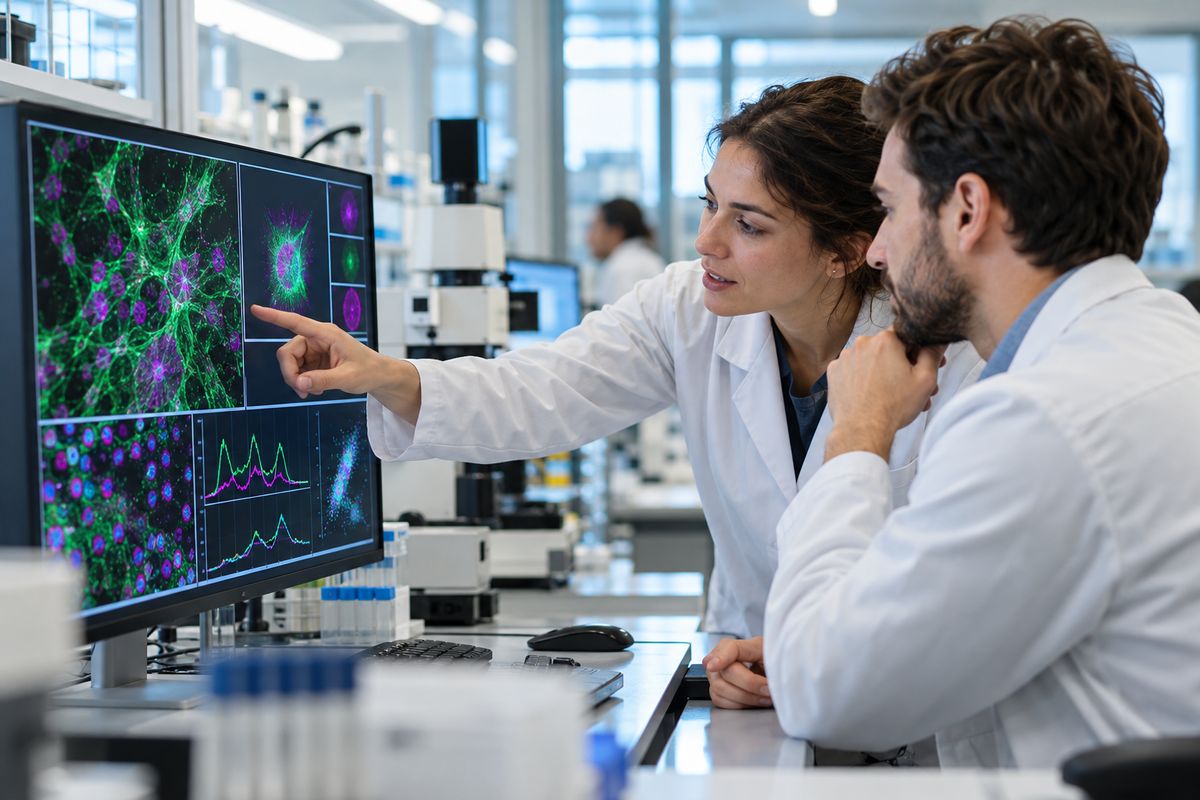
Every folder of images in it becomes one analysis, up to four levels deep, so ACT/rep1 and
Veh/rep1 stay apart. The results come back in the same folders.
Pick up to four images and try the settings. Each preview shows the cells it found over the image, in a viewer you can zoom to single pixels, and the first rows of the spreadsheet.
One batch run measures every image with the same settings and keeps them as a numbered version. Change a setting and run again; both versions stay side by side.
Your lab's admin invites each researcher. Every sign-in needs a password and an authenticator code.
Researchers see their own Batches. Admins see every Batch in the lab.
The analysis machine starts for a run, in about two to three minutes, and stops itself when it's idle.
Batch runs are kept for 14 days, or for a year for the Batches you choose. Download any of them as a zip.
